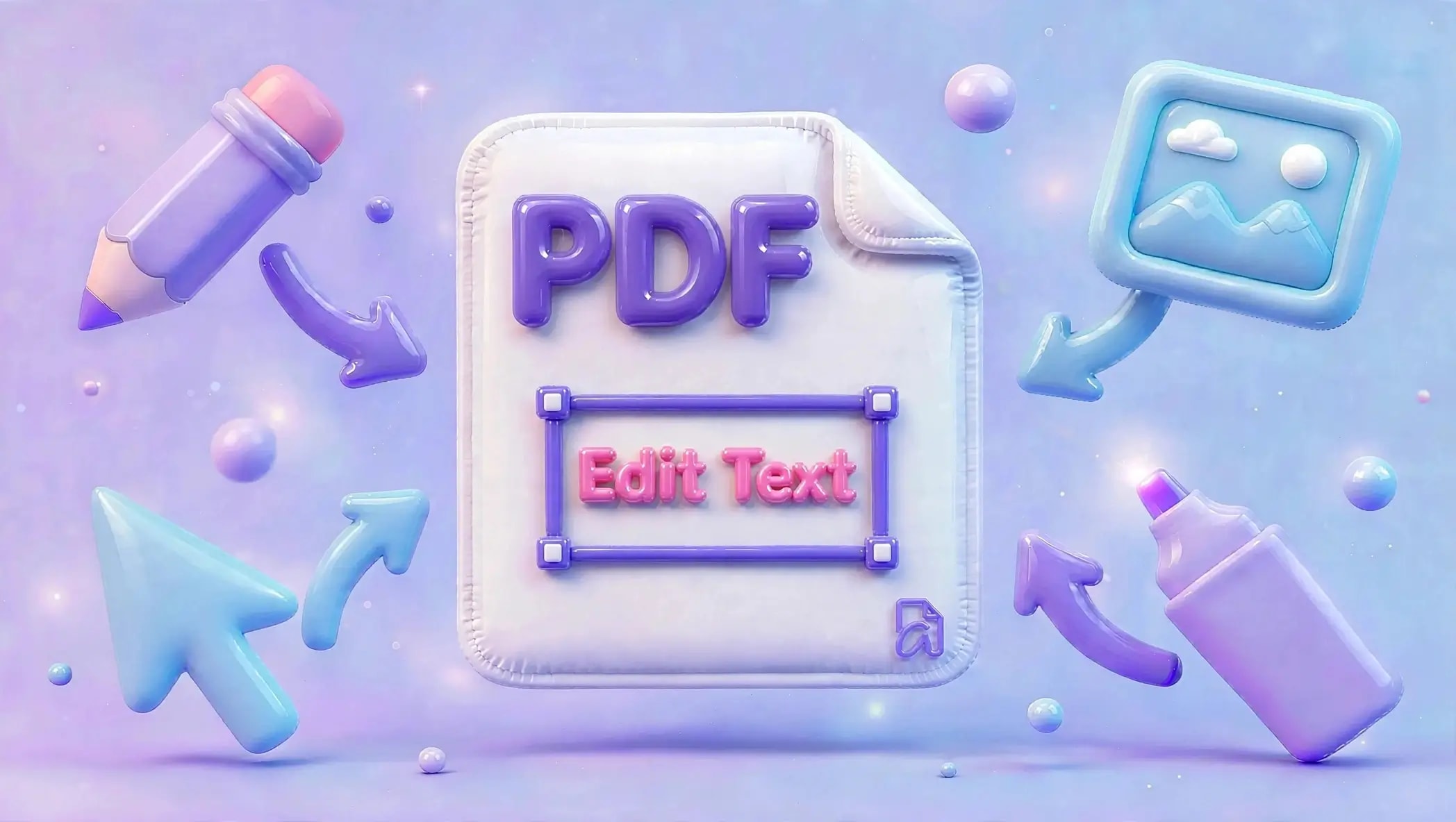

Ever opened a PDF and thought, “I just need to change this one line” or “I wish I could quickly update this document”?
Good news, you don’t need any complicated software anymore.
With AziPDF, you can edit PDFs directly in your browser. No downloads. No sign-ups. Just attach your PDF File, edit, and download. Fast. Simple. Ideal for everyday user.
Why People Need to Edit PDFs
PDFs are popular because they keep formatting consistent across all devices. But that also makes them harder to edit.
That’s where an online PDF editor becomes useful.
Here are common situations where PDF editing helps:
- •Fixing spelling or typing mistakes
- •Updating names, dates, or details
- •Adding or removing text
- •Filling out forms that are not editable
- •Editing invoices, contracts, or reports
- •Adding comments or instructions
- •Updating business documents before sharing
Instead of converting files back and forth, you can simply edit your PDF directly and save time.
How to Edit a PDF Using AziPDF
No technical skills required. You can edit a PDF by clicking and typing.

Step 1: Open the Tool
Go to: AziPDF on Edit PDF
Step 2: Attach Your PDF
Drag and drop your file or attach it from your device.
Step 3: Start Editing
Once your PDF loads, you can:
- •Click on text to edit it
- •Add new text anywhere
- •Insert notes or comments
- •Highlight important sections
- •Adjust layout elements
Step 4: Make Your Changes
You can easily update your document by:
- •Typing new text
- •Moving elements around
- •Adjusting formatting
- •Adding extra information
Everything is designed to be simple and visual.
Step 5: Download Your Updated PDF
Once you’re done, click Download and save your edited file instantly.
What You Can Do with AziPDF Editor
AziPDF is flexible and powerful enough for everyday PDF tasks:
- •Edit existing text
- •Add new text anywhere
- •Fill out forms
- •Insert comments and notes
- •Update business documents
- •Modify reports and invoices
- •Add labels or annotations
Whether it’s a small fix or a full update, you can do it in minutes.
Why People Love AziPDF
Here’s what makes it a great choice:
No Installation Needed
Everything works directly in your browser.
Free to Use
No hidden fees or subscriptions.
Works on Any Device
Use it on:
- •Laptop
- •Desktop
- •Tablet
- •Mobile phone
Secure Processing
Start editing immediately. Your files are handled safely and not shared.
Simple Tips for Better PDF Editing
Want your PDF to look clean and professional? Try these tips:
- •Keep formatting consistent
- •Match font style when possible
- •Avoid overcrowding pages
- •Align text neatly
- •Double-check before downloading
Small adjustments can make a big difference.
Frequently Asked Questions
Can I edit scanned PDFs?
Yes, depending on the file quality. Some scanned PDFs may require OCR support for full editing.
Can I change existing text in a PDF?
Yes. With AziPDF, you can click and edit text directly or add new text on top of the document.
Is AziPDF free?
Yes, you can edit PDFs online for free.
Will my original layout change?
No. Your document layout stays intact while you make edits.
Can I use it on mobile?
Yes. AziPDF works smoothly on mobile browsers.
Why AziPDF Is a Smart Choice
AziPDF is built for people who want quick, simple, and reliable PDF editing.
No learning curve. No software installation. No confusion.
Whether you’re a student, freelancer, office worker, or business owner, you can edit PDFs in seconds and move on with your day.
Conclusion
There is no need to feel intimidated by PDF editing anymore.
Through AziPDF, you will simply open your file, make any necessary changes right away, and then save it with no hassles whatsoever in a matter of seconds.
Ready to Give Your PDF an Upgrade?
Edit PDF OnlineSafe in our hands
AziPDF takes your privacy seriously. Remember that...