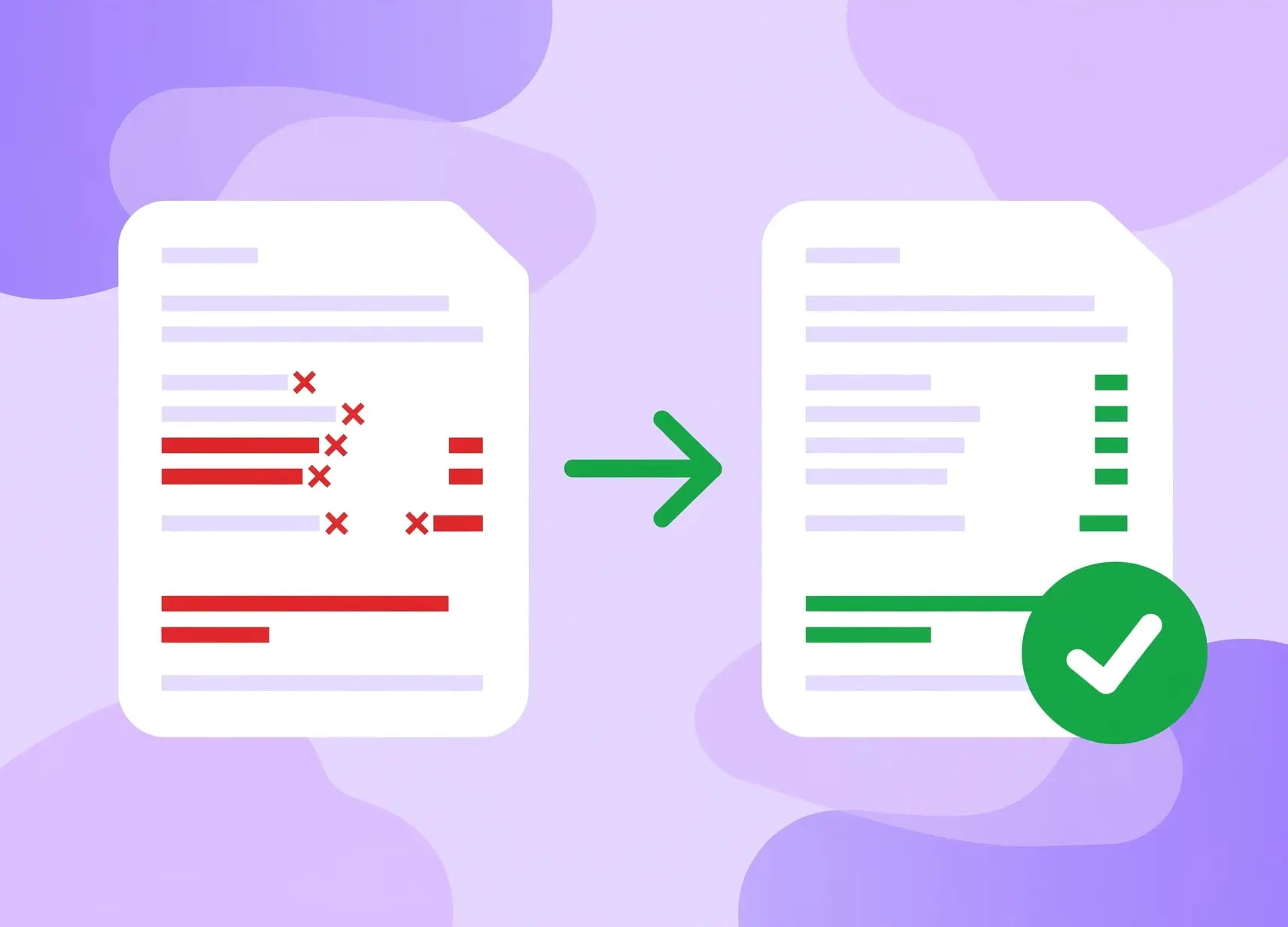

Picture this. A finance team has been archiving client statements and transaction records as PDF/A for the last six years. Every file carries the right metadata tag. Every employee believes the job is done the moment the file is saved. Then a regulator shows up for a routine review, runs a handful of those files through a validator, and half of them fail.
None of the documents were ever touched, nothing was done differently. These documents were never compliant to begin with, they just claimed compliance. And that very difference between “claiming to be PDF/A” and “being PDF/A” is one of the most frequent and costly blind spots of document archiving today.
So if your archiving efforts are failing and/or if you want to stay on the right side of the process, here's what’s really going wrong and how to establish a robust workflow for PDF/A Compliance.
Why PDF/A compliance matters more than most teams realize
PDF/A isn't just "PDF with archival." It's a format defined by ISO standards in order to ensure that a document will open and look exactly the same way right now, in ten years, and in fifty years, no matter what software or fonts have been installed to read it at that point.
That takes on a lot of significance where regulation is concerned. Regulations such as GDPR mandate that a company must maintain the integrity, confidentiality, and availability of its personal data. Regulations like MiFID II mandate that a firm store communication and transaction data from clients for years in a format that cannot be secretly changed. Do something wrong here, and you could face fines measured in single-digit percentages of your yearly revenue, which is a significant amount for a major company.
Which is why when PDF/A compliance is lacking in an archive, it isn't considered a problem with the technology. It's considered a regulatory compliance issue, and the responsibility lies with the firm in question.
The most common reasons PDF/A files fail validation
Most PDF/A failures trace back to a short list of recurring issues. Here's where things usually go wrong.
Fonts that aren't fully embedded
Undoubtedly, it is the most common cause of the problem. For a PDF/A file, all fonts used in the document must be embedded in the file so that the viewer doesn’t have to install the fonts on his machine. In many instances, only the subset of the font is embedded in the PDF file, which usually fails the validation process. From past studies done on real-life PDF/A files, it has been observed that more than half of the non-conformant instances arise from fonts.
Non-device independent color spaces
As per the PDF/A requirements, color has to be described via device independent ICC profiles to ensure consistent rendering regardless of what display monitor, printer or application software you use to view the document. Interestingly, one of the most commonly committed errors in PDF/A creation involves a document based on some color space (such as plain sRGB) that lacks the needed ICC profile.
Metadata that doesn't match reality
Each PDF/A document must contain XMP metadata stating which version of PDF/A it complies with (PDF/A-1, -2 or -3) and at which compliance level (A, B or U). Failure to provide such metadata or providing it in a faulty or misleading manner means instant failure before auditing even starts.
A messy incremental update history
Incremental update appends additional data to the existing PDF document without rewriting the entire document from scratch. It is a convenient option in standard PDF files, but for PDF/A files, it is done cautiously:
- •PDF/A-1 doesn't allow incremental updates at all. Any edit has to produce a full rewrite of the file.
- •In PDF/A-2 and PDF/A-3, incremental updates are allowed; however, the appended data must be conformant to the rest of the document. The appending of a revision using non-embedded fonts, for instance, renders the entire file invalid.
- •The version number in the file's header also needs to match the version declared inside the document's internal catalog. A mismatch here is an easy thing to miss and an easy way to fail validation.
Conversion of a document to PDF/A is not equivalent to validation of PDF/A
It is the area where many companies stumble; and it should be clearly stated.
Conversion takes a document, regardless of its original format (be it Word doc, HTML page, or PDF), and converts it to a PDF/A file. In doing so, the software adds metadata that certifies the newly created file as a PDF/A-compliant file.
Validation is the completely different process where special program verifies that the file really meets all requirements to become certified.
But here is the twist: The metadata inserted at the conversion stage is a claim, not a proof. The file may contain information in its metadata that it is PDF/A-2b compliant, yet be failed to pass PDF/A-2b verification.
Making this worse, many free and open source PDF/A validators make use of heuristics and not line-by-line comparisons against the entire specification. This means that they will often claim that a document is "probably" valid, which may seem like good news at first, but it is definitely not. Another way of verifying compliance is visually, where someone simply opens the document and sees whether it looks right.
At minimum, every PDF/A file needs to:
- •Embed all fonts, images, and content directly, with nothing referenced externally
- •Avoid audio, video, JavaScript, and XFA forms entirely
- •Skip LZW compression, encryption, and password protection
- •Give every interactive form field a proper appearance dictionary
- •Store metadata using the XMP standard
Skip validation, and you're trusting that every one of these boxes got checked correctly, without ever actually confirming it.
Conformance levels aren't interchangeable
Another quiet source of failed audits is conformance-level mismatch, where a file claims a level of compliance it doesn't actually meet.
Two things worth understanding here:
The standards themselves are different from each other. PDF/A-1, PDF/A-2, and PDF/A-3 were published years apart and don't have identical rules. PDF/A-1, for instance, doesn't support transparency or layers and only offers conformance levels A and B. PDF/A-2 added support for transparency, layers, and even embedding other PDF/A files, along with a new level, U.
Conformance levels build on each other. Level U includes everything required for level B, and level A includes everything required for level U, plus more. Picking the right level isn't just a technical detail, it's a decision with real consequences for how usable your archive will be years down the line. A claims archive where documents need to remain searchable and text-extractable, for example, needs at least level U. Level B alone won't guarantee that.
Level U specifically is about text integrity. It ensures the underlying Unicode text in the document can be reliably extracted or searched later, which matters enormously for any archive that might need to be reviewed or searched years after filing.
What an audit-proof PDF/A pipeline actually looks like
A defensible archiving process generally follows this shape:
Normalize the source document → Convert to PDF/A → Validate independently → Archive the file
This is the step which most organizations usually skip, but it is the most crucial step. In case the software that converts the file into another form is the software validating the conversion process, all you are doing is validating the output generated by the software based on the specification that the software understands. Incorrect interpretations of the specification done by the software would not be detected until the file is validated by an independent validator.
A solid audit trail should include:
- •A record of who converted each file and when
- •The name and version of the tool used
- •An independent validation report confirming the claimed conformance level, ideally timestamped and stored alongside the document itself
Generation and validation are expected to be performed by different systems; validation reports need to be machine-readable and preserved as audit evidence; and consistency between claimed and actual content needs to be real. According to GDPR and MiFID II, the accountability for ensuring the proof of integrity lies entirely with the archive holder, not the software provider.
Conclusion
A PDF/A file that hasn't been independently validated is really just a file that hopes it's compliant. That might be fine for years, right up until a regulator asks to see the archive. Building PDF/A validation into the pipeline as a separate, independent step is what turns a hopeful archive into a defensible one, and it's a far cheaper habit to build now than a fine to pay later.
Take the Next Step Toward PDF/A Compliance
Convert to PDF/ASafe in our hands
AziPDF takes your privacy seriously. Remember that...