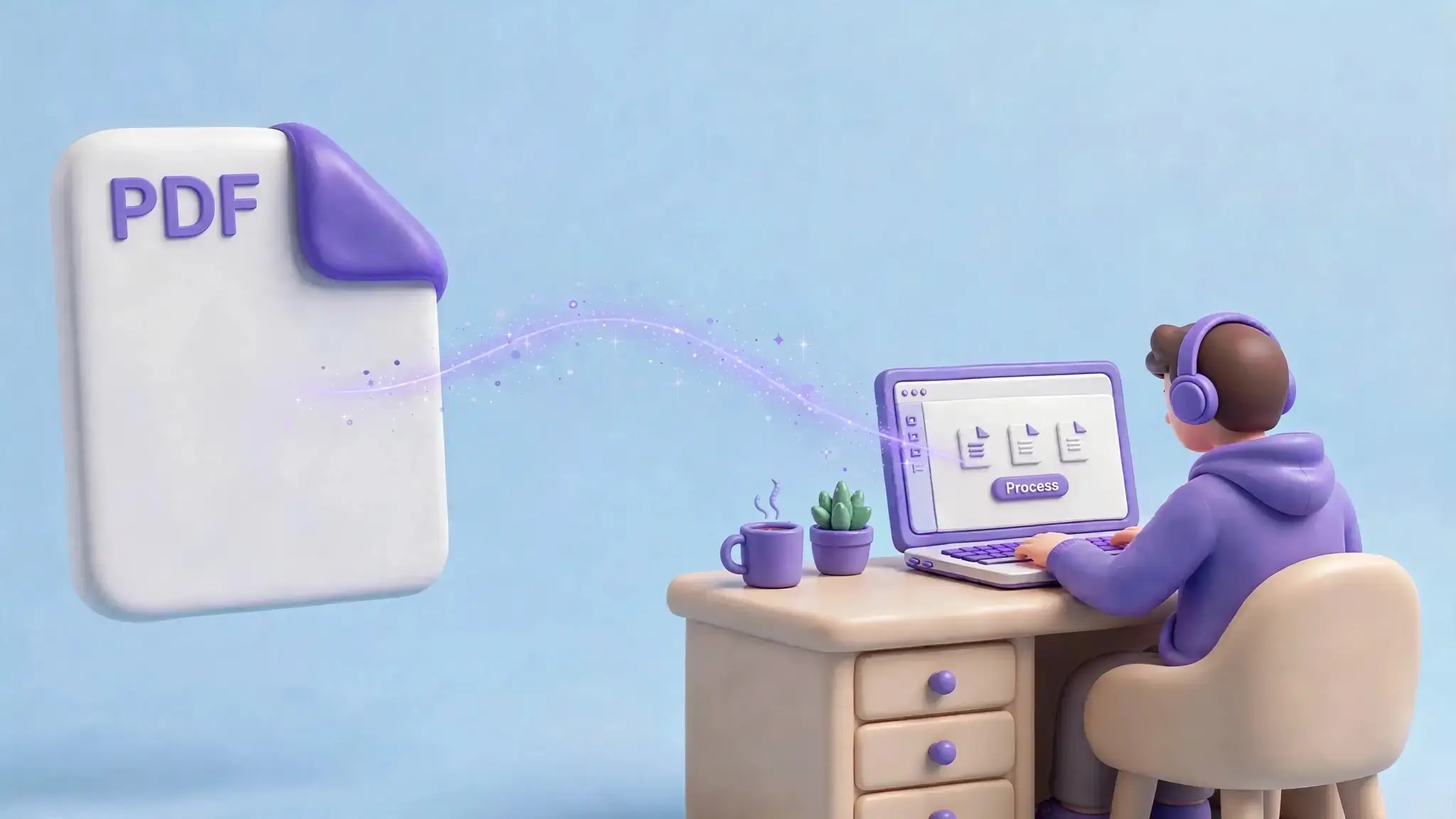
A step-by-step guide to working with business PDFs anytime, anywhere.
PDFs play an important role in today's business world.
Businesses rely on PDF documents in invoicing, contracting, reporting, presenting, applying, proposals, scanning, and other business activities. With businesses getting more mobile and decentralized, the approach to dealing with these documents is also evolving.
Rather than relying solely on desktop applications, companies start using online PDF applications for document management.
The use of an online PDF workflow allows carrying out all document activities straight from the browser. You can merge, divide, compress, convert, edit, sign PDF documents, and perform other popular operations without needing individual software for each operation.
This article describes why online PDF workflows are helpful for businesses and how solutions like AziPDF make working with PDFs easy and accessible.
Key Takeaways
- •Web-based PDF software enables companies to control their documents using a web browser.
- •Users are able to deal with their PDFs using computers, laptops, tablets, or smartphones.
- •Many PDF activities can be conducted using one tool only.
- •Web-based processes may help avoid installing several desktop software.
- •Web-based PDF software is helpful for remote workers, students, small firms, agencies, and large companies.
- •Tools such as AziPDF can make everyday PDF processing faster and more convenient.
What Is an Online PDF Workflow?
PDF workflow on the Internet refers to a procedure where PDFs are managed using web-based services and not exclusively using computer-based software.
For instance, you get five PDFs from your customer.
You may need to:
- Combine the documents into one file.
- Remove unnecessary pages.
- Compress the final PDF.
- Add some text or annotations.
- Convert the document into another format.
- Sign the final version.
- Share it with the client.
Traditionally, each task might require different desktop software.
Many of these processes can be handled via your web browser with a PDF process done on the web.
You just access the required PDF application, upload your file, do the work, and save the result.
Why Businesses Are Moving Toward Online PDF Tools
Businesses are increasingly looking for workflows that are simple, flexible, and accessible.
Here are some of the main reasons online PDF tools can be useful.
1. Work From Almost Anywhere
Modern work is no longer restricted to an office computer.
A person may work from home, work on business trips, visit customers, attend conferences, or work from various places.
A web-based PDF application enables one to have all the typical features of working with documents anytime he or she has an appropriate gadget and an Internet connection.
For instance, a salesman can get a PDF document on the road. Instead of postponing the opening and editing of the file until coming back to the office, he can just open a browser window and work with it.
2. No Need to Install Multiple Programs
PDF work can involve many different operations.
One application may be useful for editing, another for conversion, another for compression, and another for merging files.
Installing and maintaining multiple programs can make document management unnecessarily complicated.
An online PDF platform brings multiple tools together.
With AziPDF, users can access a range of PDF utilities from one website, including tools for merging, splitting, compressing, converting, editing, signing, organizing, and protecting PDF documents.
This can make the overall workflow easier to manage.
3. Working on Different Devices
A company may have Windows computers, Macs, Android phones, iPhones, tablets, and other devices.
A browser-based PDF workflow can make it easier to move between these devices.
For instance, you get a file on your phone, but then switch to working on it on the computer.
The key is that your PDF process isn't limited to any particular desktop program.
It is especially helpful for people who switch between devices often.
4. Compress Large PDFs Before Sharing
When the need arises to share PDF files via emails, uploads, or any kind of messaging service, then it may become difficult at certain points.
PDF documents that are scanned or include many images like brochures, presentations, or even business reports may end up becoming very heavy and difficult to handle.
Instead of looking for desktop software that compresses PDFs, the user may just use any of the available online PDF compression tools and compress the document.
In case the scanned business report is too big to send via email, the PDF may be compressed first before attachment.
5. Merge Multiple Documents Into One PDF
Businesses frequently receive documents as separate files.
A client might send:
- •A cover letter
- •An invoice
- •Supporting documents
- •A quotation
- •A signed form
Managing all these files separately can be inconvenient.
A PDF merge tool allows multiple documents to be combined into a single PDF.
This can be useful for:
- •Client documentation
- •Business reports
- •Project files
- •Applications
- •Financial records
- •Academic submissions
- •Administrative paperwork
Instead of sending several attachments, you can create one organized PDF.
6. Extract Only the Pages You Need
Not every document needs to be shared in its entirety.
A 100-page report may contain only five pages relevant to a particular client.
A contract may contain several pages, while you only need to send a specific section.
Splitting a PDF allows you to extract the pages you actually need.
This can make document sharing simpler and can also reduce the size of the resulting file.
With an online Split PDF tool, users can separate selected pages from a larger document without needing to install additional PDF software.
7. Convert PDFs Into Different Formats
Business documents often need to move between different file formats.
For example:
- •PDF to Word for editing
- •PDF to Excel for working with data
- •PDF to JPG for sharing images
- •JPG to PDF for creating documents
Having multiple conversion tools available from one platform can simplify these workflows.
Instead of searching for separate software for every format, users can access the appropriate PDF conversion tool when needed.
8. Edit PDFs Without Returning to the Office
PDF editing is another task that is often associated with desktop software.
But many everyday edits are relatively simple.
You may need to:
- •Add text
- •Add annotations
- •Highlight information
- •Draw on a document
- •Add shapes
- •Make quick corrections
- •Prepare a document before sharing
A browser-based PDF editor can be useful when you need to make a quick change and do not have your usual desktop application available.
AziPDF provides an online Edit PDF workflow that can be accessed through a browser.
9. Sign Documents More Conveniently
Many business documents need signatures.
Contracts, applications, approvals, agreements, and forms can all need a signature before proceeding.
Waiting to return to a desktop computer can slow down simple workflows.
Online PDF signing tools can make it easier to handle these documents from different devices.
This can be particularly useful for:
- •Remote employees
- •Freelancers
- •Consultants
- •Sales teams
- •Small businesses
- •Client-facing teams
The document can be prepared, signed, and shared without making the process unnecessarily complicated.
10. Useful for Remote and Hybrid Teams
Remote work has changed how teams collaborate.
Employees may be located in different cities or even different countries.
Instead of depending on a single office computer, employees need tools that work across locations and devices.
Online PDF tools can fit naturally into this environment.
A team member can receive a document, process it, and send the finished version to another team member without needing access to the same computer.
This makes PDF processing more flexible for distributed teams.
What Can Businesses Do With an Online PDF Toolkit?
A good online PDF platform should cover the common document operations businesses perform every day.
Depending on the tool, these may include:
- •Merge PDF files
- •Split PDF files
- •Compress PDF files
- •Convert PDF files
- •Edit PDFs
- •Sign PDFs
- •Organize PDF pages
- •Rotate PDF pages
- •Add page numbers
- •Add watermarks
- •Protect PDF files
- •Unlock PDFs
- •OCR scanned PDFs
- •Convert images to PDF
- •Convert Office documents to PDF
Having these capabilities available from one platform can reduce the number of separate tools a business needs.
Online PDF Workflows for Different Types of Businesses
Online PDF tools are not limited to one industry.
Small Businesses
It is common for small businesses to deal with invoices, quotes, proposals, forms, and customer documents without purchasing complicated software.
A browser-based PDF toolkit can provide many everyday functions in one place.
Marketing Agencies
Marketers usually deal with brochures, presentations, proposals, reports, and promotional documents on a regular basis.
They may have to convert, compress, merge and distribute PDF files.
Accounting and Finance Teams
Financial documents often arrive in different formats.
The team might require the organization, conversion, compression, and distribution of reports and supporting documents.
Educational Institutions
The teachers and students deal with assignments, learning material, applications, certificates, and scanned documents.
PDF tools can help organize and prepare these files quickly.
Freelancers and Consultants
A freelancer works with clients located in different places.
There could be times when they need to edit a proposal, sign a contract, compress the portfolio, and join project documents without using the main computer.
Online PDF Tools vs. Desktop PDF Software
Online and desktop PDF tools each have their own advantages.
Desktop software can be useful when you need extensive features, regular offline access, or advanced local document processing.
Online tools can be particularly useful when you want:
- •Quick access
- •No lengthy installation
- •Cross-device compatibility
- •Simple PDF operations
- •Browser-based workflows
- •Convenient access while traveling
- •A collection of tools in one place
For many users, the best approach is not necessarily choosing one over the other.
Businesses can use desktop applications for advanced workflows while using online PDF tools for quick and convenient everyday tasks.
How to Build a Simple PDF Workflow
A simple business PDF workflow could look like this:
Step 1: Receive the document
Receive the PDF from a client, colleague, customer, or other source.
Step 2: Organize the document
Merge, split, rotate, or rearrange pages as required.
Step 3: Edit or convert
Make necessary changes or convert the document into the required format.
Step 4: Optimize
Compress the PDF if the file is too large to share conveniently.
Step 5: Sign or protect
Add a signature or apply appropriate PDF protection when required.
Step 6: Share
Download and send the finished document through email, cloud storage, messaging platforms, or other business channels.
This workflow keeps the process straightforward and reduces unnecessary software switching.
Why Mobile-Friendly PDF Tools Matter
A PDF tool should not be limited to a desktop screen.
Today, people frequently receive and review documents on smartphones and tablets.
A mobile-friendly PDF experience should make it easy to:
- •Upload a document
- •Select a PDF tool
- •Navigate the interface
- •Process a document
- •Download the result
- •Share the finished file
This is one reason browser-based PDF platforms can be useful for modern document workflows.
You can learn more about working with PDFs across devices in our guide: Work With PDF Files Anywhere: Why a Mobile-Friendly PDF Web App Makes Life Easier.
Keeping PDF Work Simple
The purpose of a PDF tool is not to add complexity to document management.
It should remove unnecessary steps.
Instead of asking:
"Which software do I need for this PDF?"
a better workflow is:
"Which PDF operation do I need to perform?"
For example:
- •Need to combine files? go to Merge PDF
- •Need selected pages? go to Split PDF
- •Need a smaller file? go to Compress PDF
- •Need to change the document? go to Edit PDF
- •Need a signature? go to Sign PDF
- •Need searchable scanned text? go to OCR PDF
- •Need better document organization? go to Organize PDF
Having these tools available from one platform makes everyday document work easier.
The Future of Business PDF Workflows
PDFs are not disappearing from business workflows.
If anything, the number of digital documents businesses handle continues to grow.
The bigger change is how people work with those documents.
Employees expect to be able to work from different locations and devices. Businesses want workflows that are convenient, efficient, and easy to manage.
Online PDF platforms can play an important role in that environment by putting common document operations within easy reach.
The goal is simple: less time searching for software and more time getting the actual document work done.
Conclusion
Companies encounter PDF files regularly, but managing PDF files doesn’t have to be difficult.
From merging multiple files into one, extracting pages, compressing a huge PDF file, converting a document, editing a PDF file, and preparing a file for distribution, a cloud PDF solution makes the whole process easier.
For individuals collaborating in remote locations, using web PDF solutions offers a flexible option when it comes to managing your everyday document tasks.
Using a variety of PDF solutions in one place, AziPDF makes common PDF operations easier no matter where you are.
Start Working With Your PDFs
Ready to simplify your PDF workflow?
Explore AziPDF and find the PDF tool you need for your next document task.
Start Working With Your PDF for your next document task.
Explore AziPDFSafe in our hands
AziPDF takes your privacy seriously. Remember that...